
Visibility across assets
Review frames, formats, names, and assets in one place, giving you a clearer view of your export workflow and making large groups easier to manage.

Manage assets in one place, set export formats once, apply across your workflow, and deliver cleaner, structured files for marketing and web.
Install in FigmaFree 7-day trial — no payment upfront
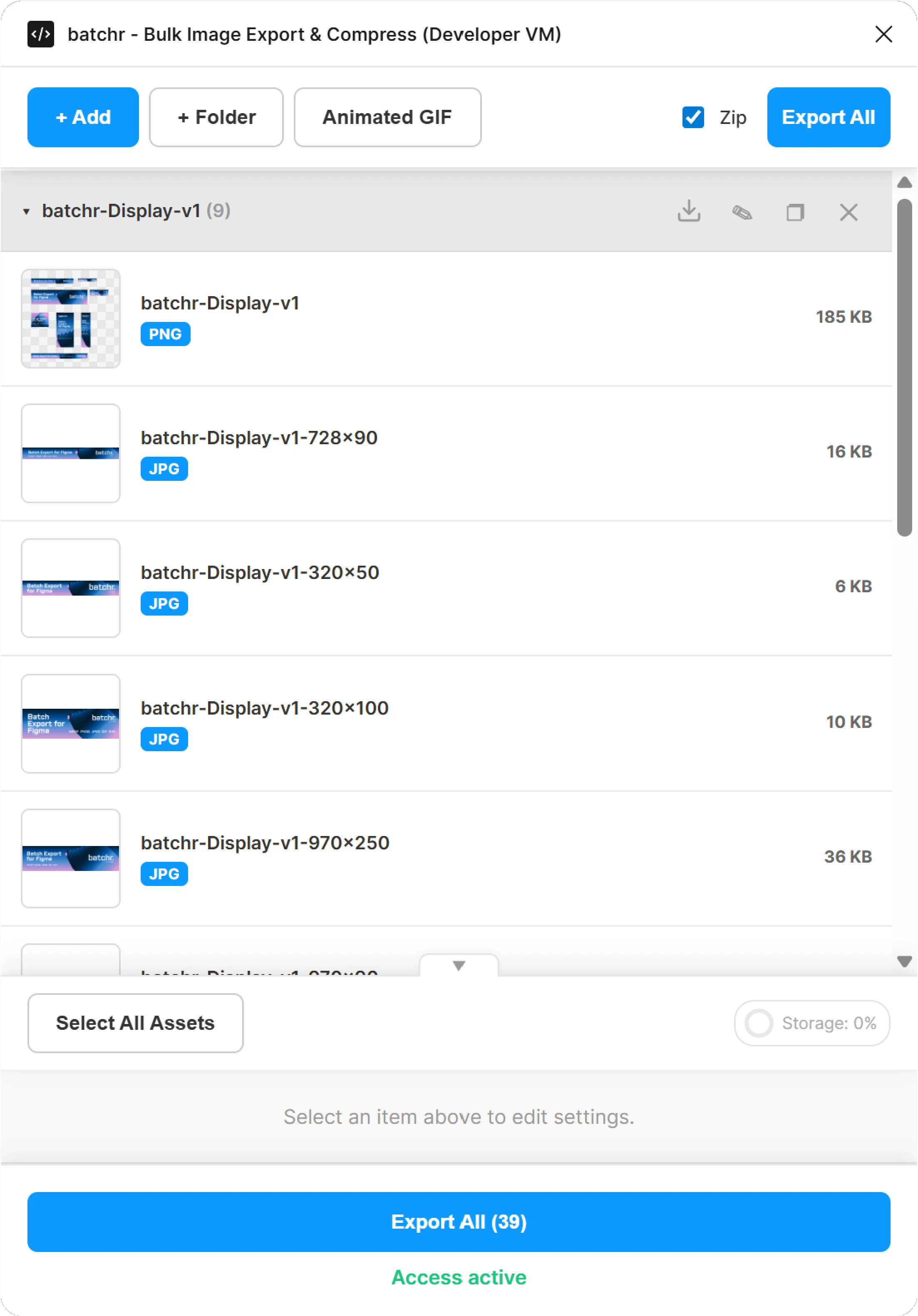
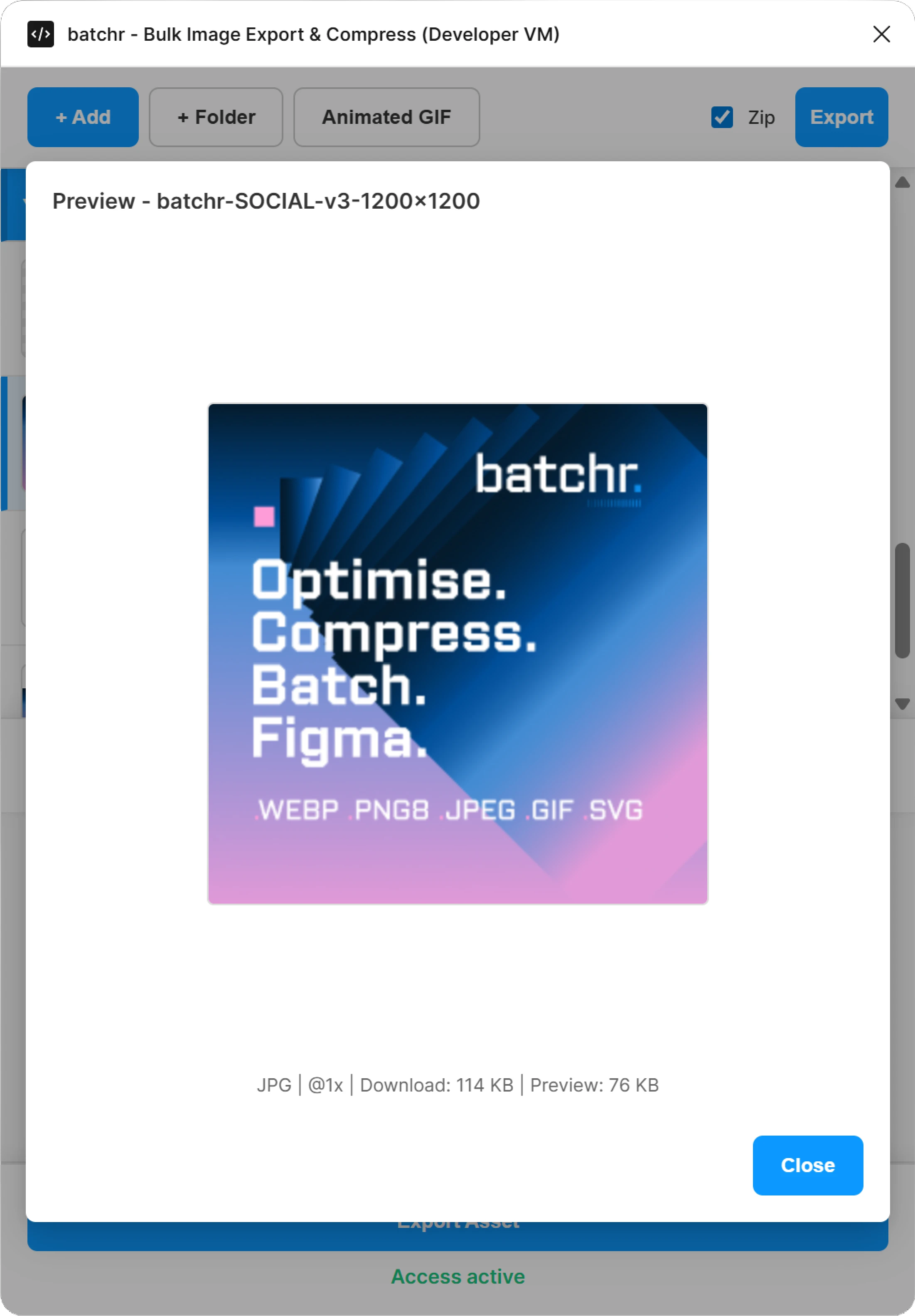
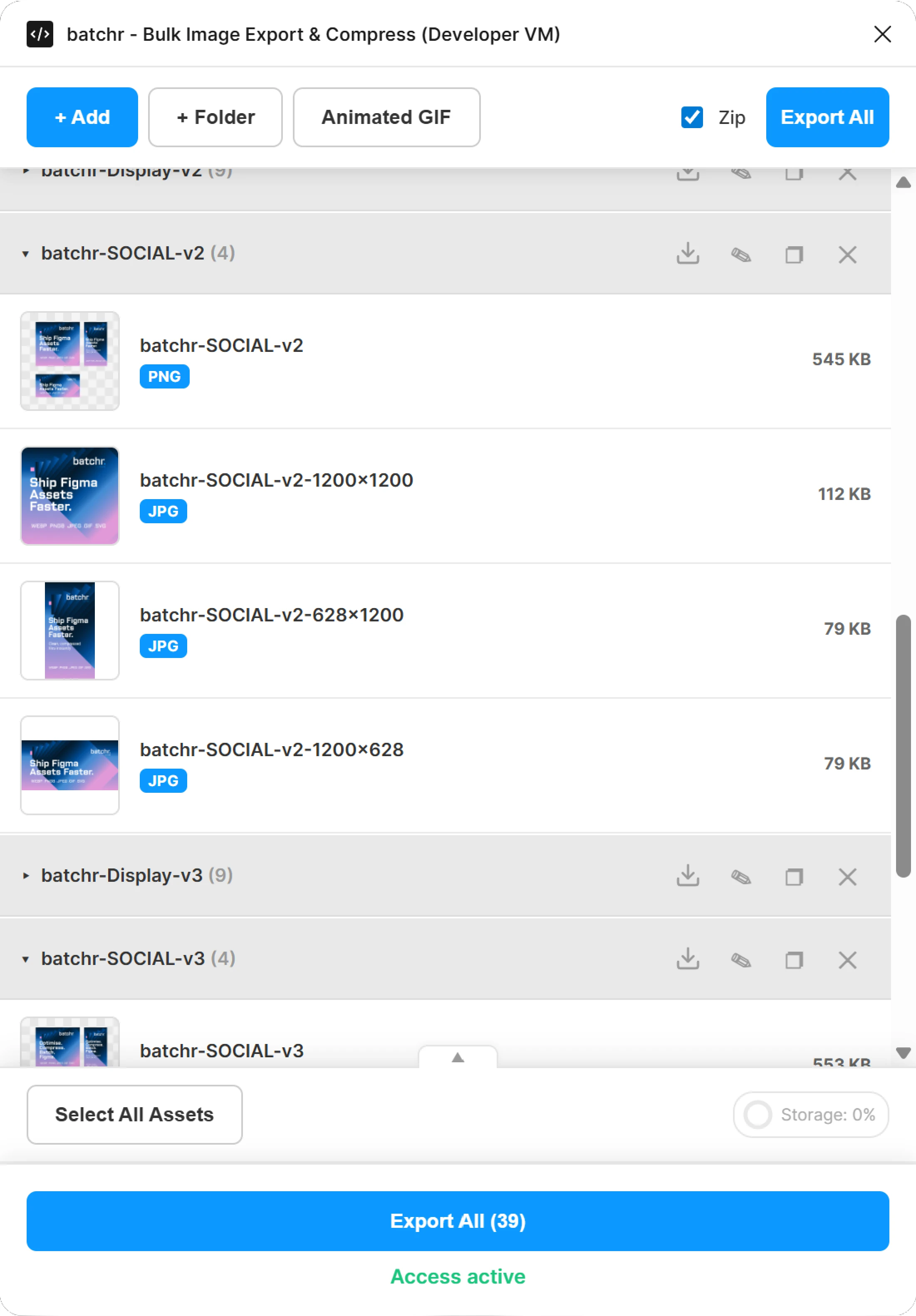
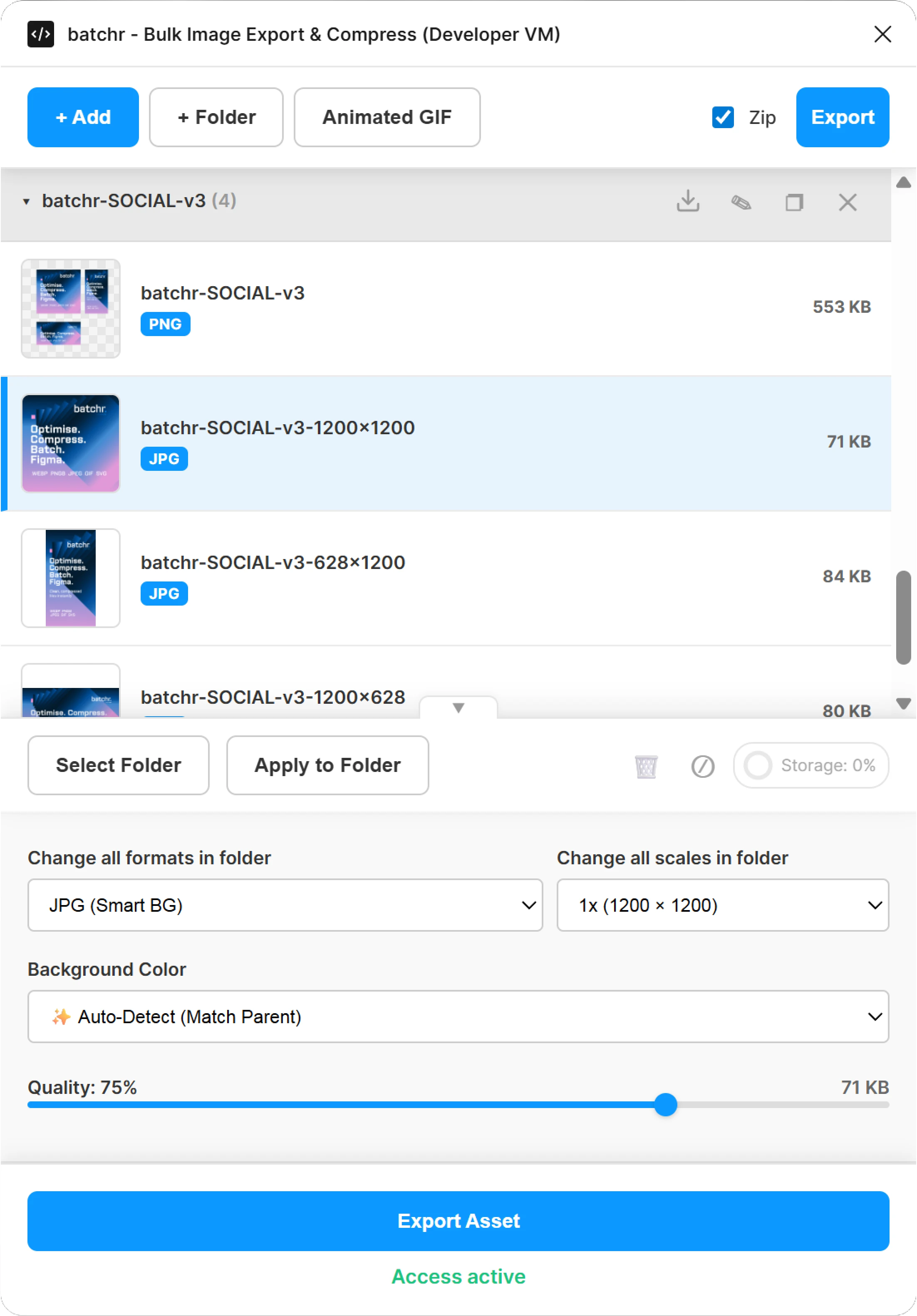
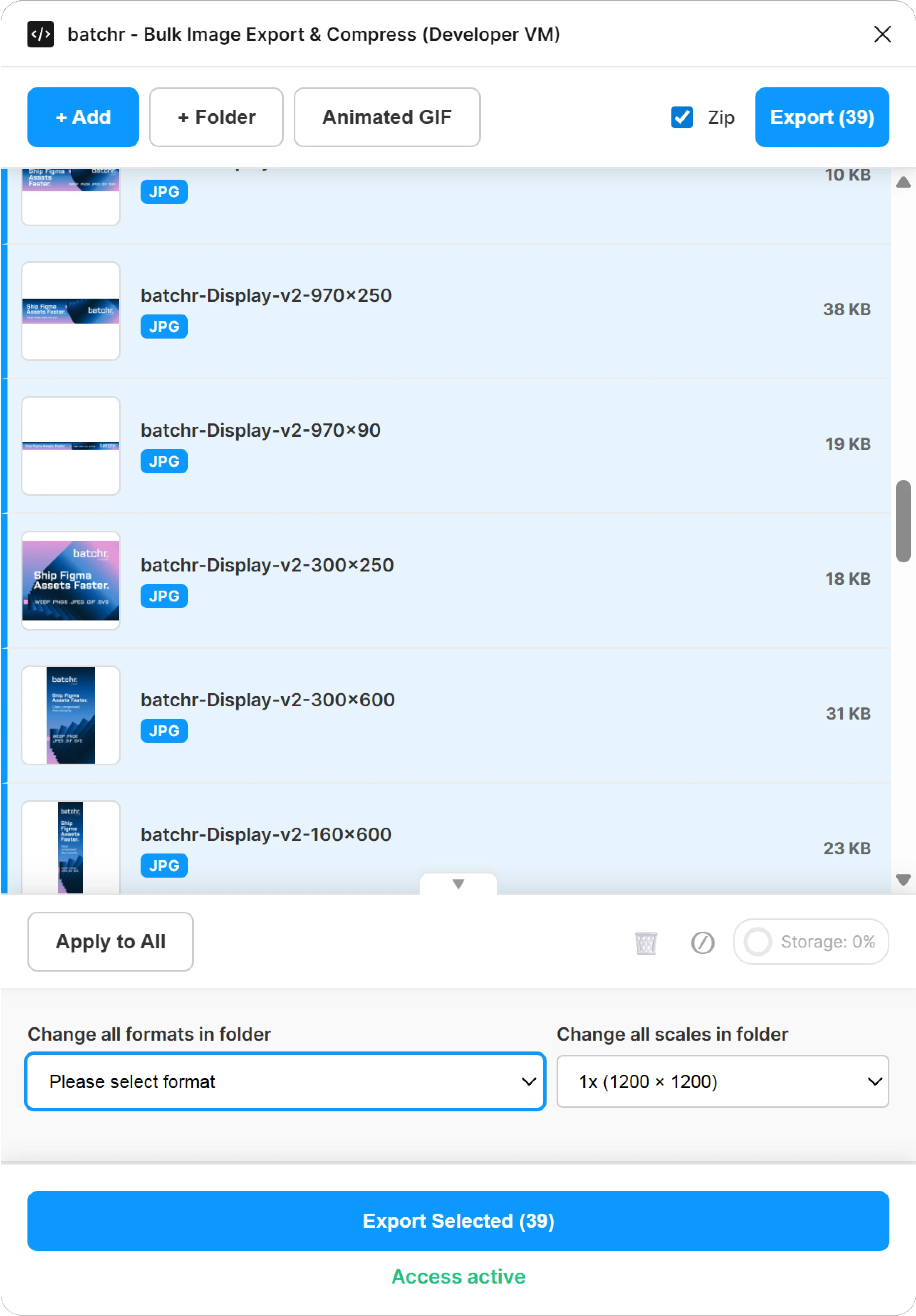
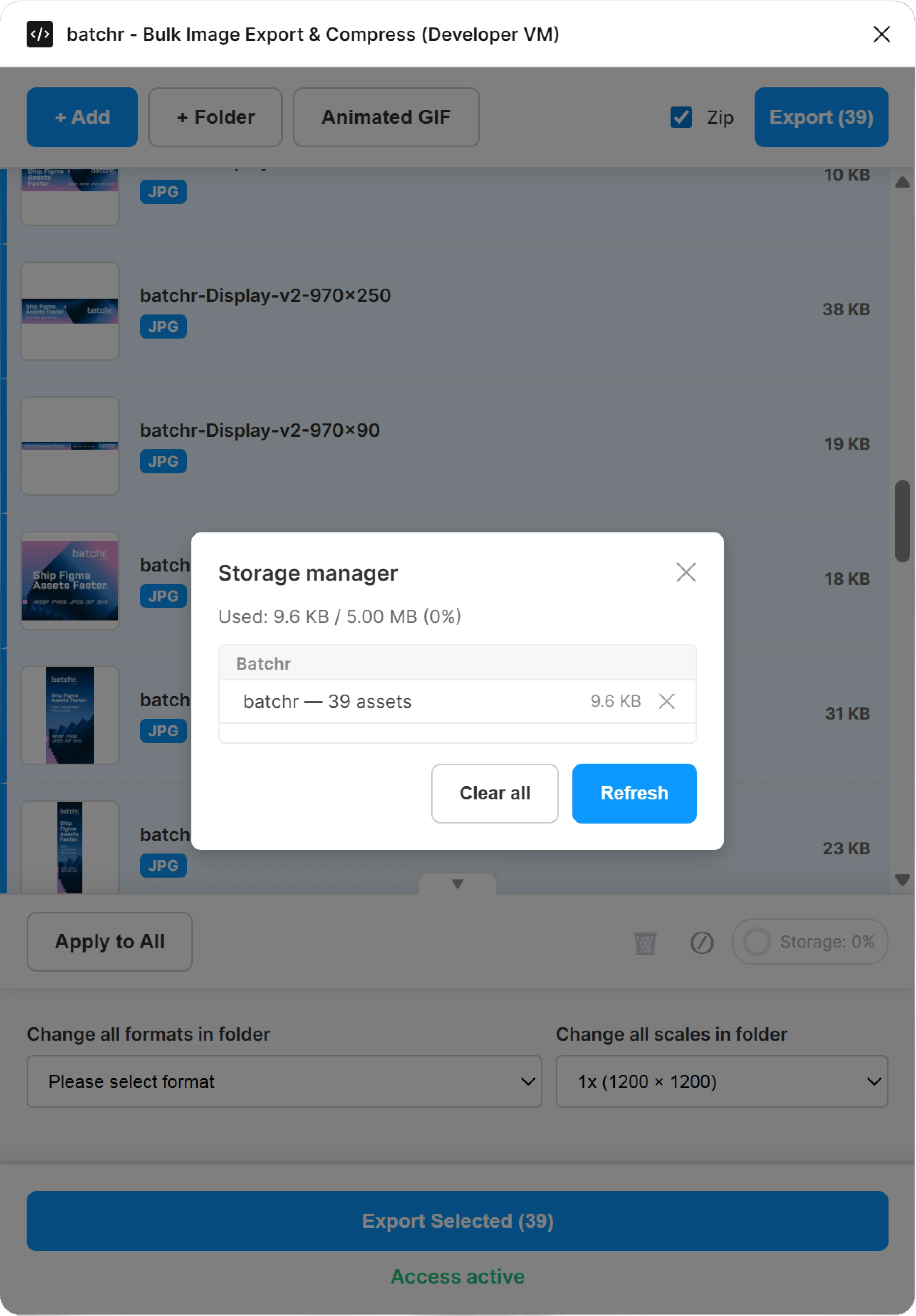
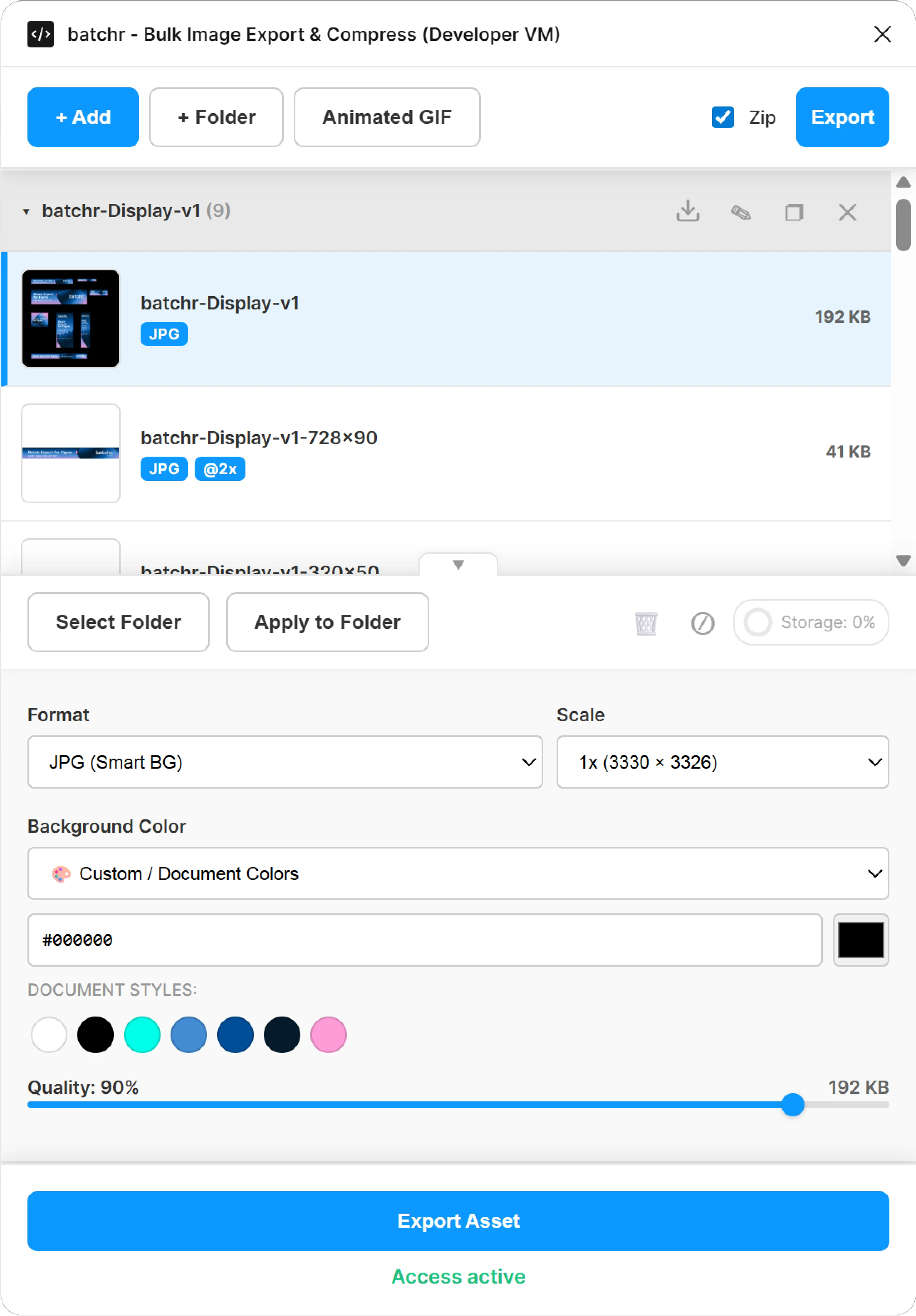
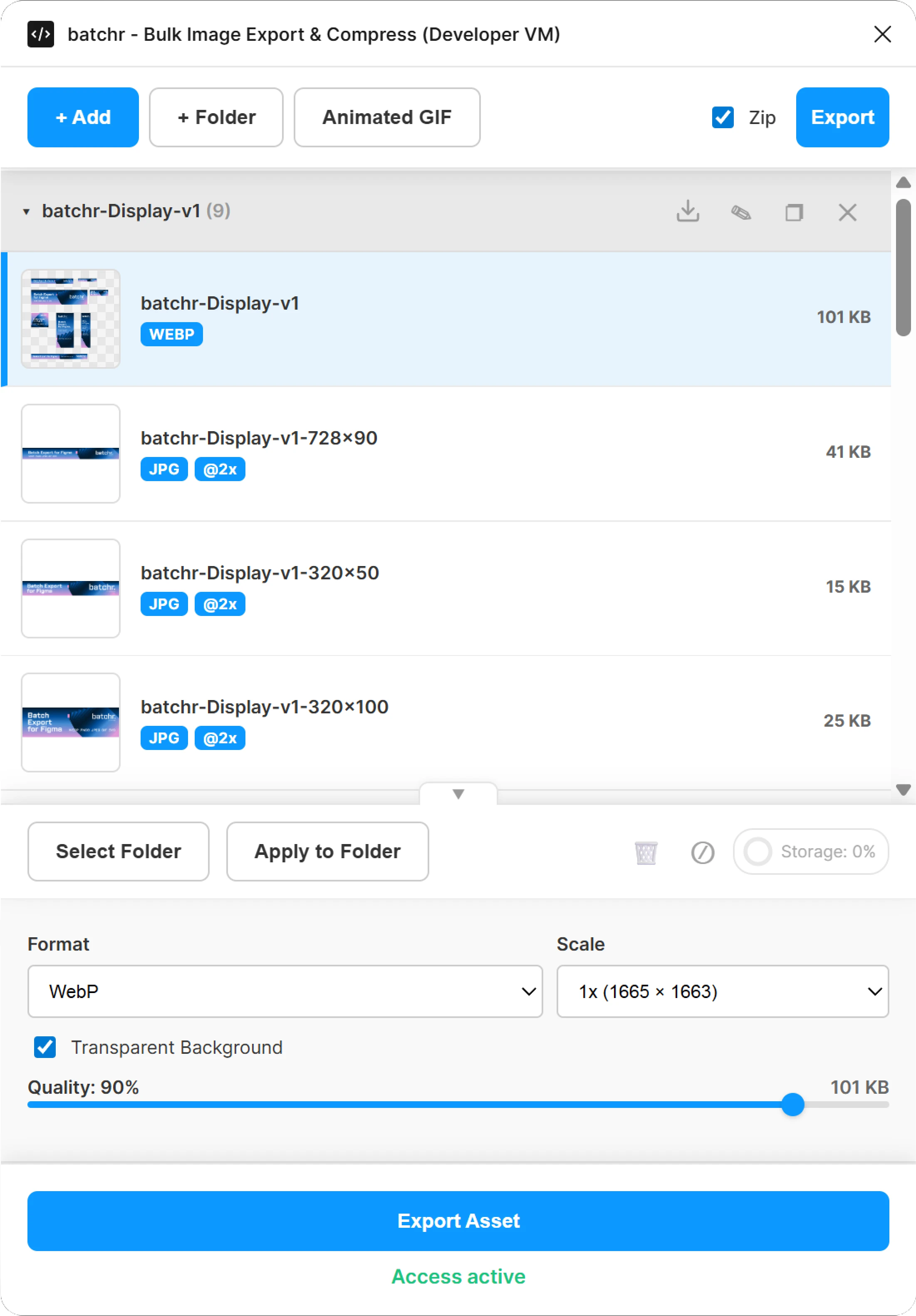
Figma handles export per asset. Batchr gives you a clearer way to review exports, apply settings across your workflow, and package delivery properly.
Review frames, formats, names, and assets in one place, giving you a clearer view of your export workflow and making large groups easier to manage.

Set formats and sizes once, then apply settings across your workflow and update formats in bulk without repeating setup each time.

Export lighter assets using modern formats like WEBP and PNG8, organize everything into ZIP packages, and send cleaner outputs to web or campaign teams.
Batchr helps you manage export as a workflow, with better visibility, faster control over settings, modern formats, and cleaner delivery for marketing and web.

Export using WEBP and PNG8 for lighter, more efficient formats alongside JPEG, GIF, and SVG.

Define a format and size on one asset, then apply it across your workflow or update assets in bulk.

Export everything into a clean, structured ZIP file that is easier to share, store, and use downstream.

Select an item in your export list and jump straight to the source asset in the Figma canvas.

Save your export setup per page so you can return later and continue without rebuilding the workflow.

Export higher-resolution assets when you need larger sizes or sharper output.
From campaign production to developer handoff, Batchr helps teams manage export as a workflow, not a task.

Export banners, social assets, and campaign variants faster with clearer formats and structured delivery.
Prepare lighter, better-structured assets for websites and landing pages using modern, web-ready formats.

Manage high-volume export across teams with more control, consistency, and efficient delivery.
Batchr gives you visibility across assets, faster workflow control, modern formats, and cleaner delivery — all inside Figma.
Quick answers to how Batchr works, what it improves, and how to get started.